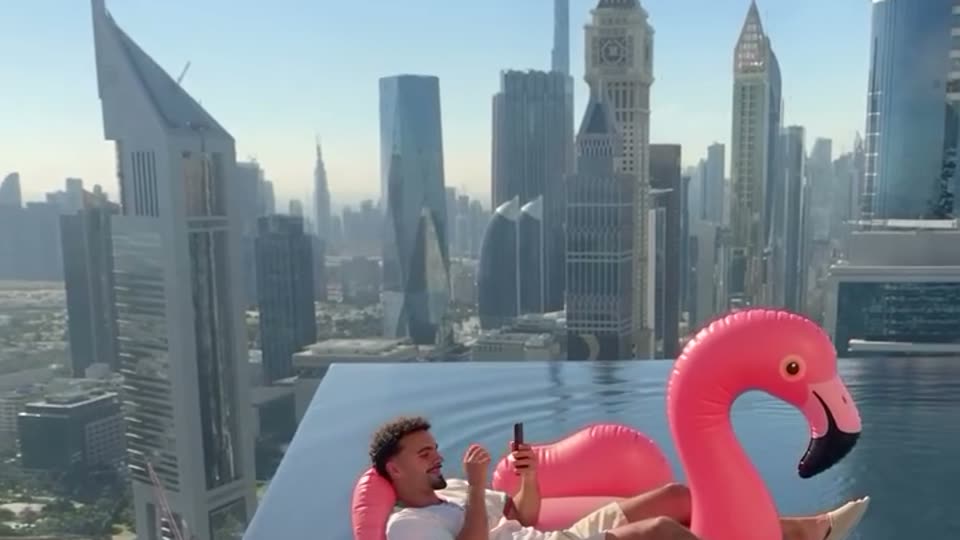
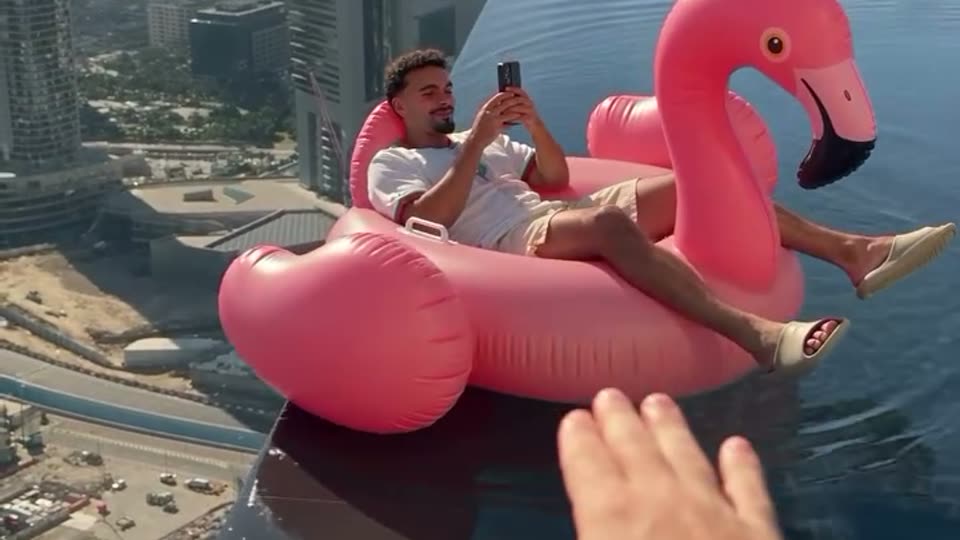
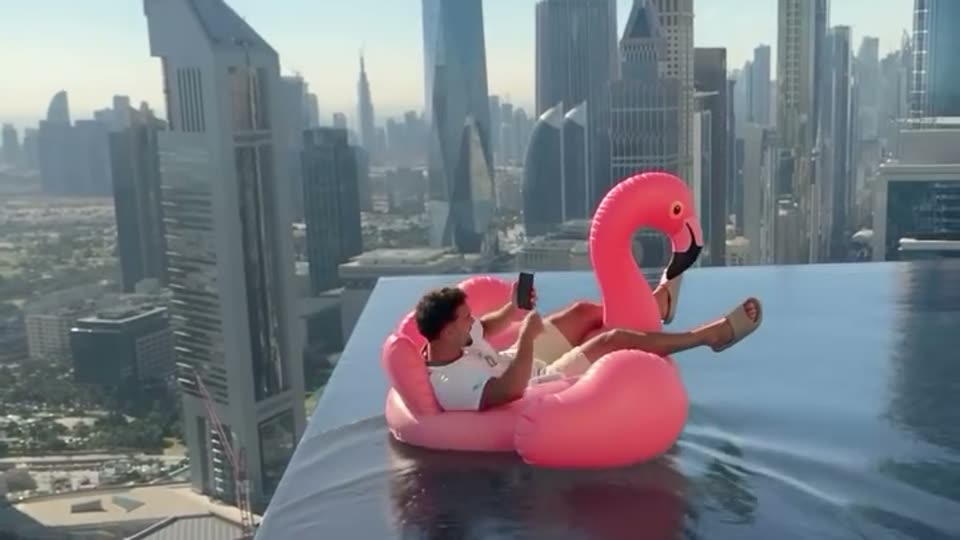
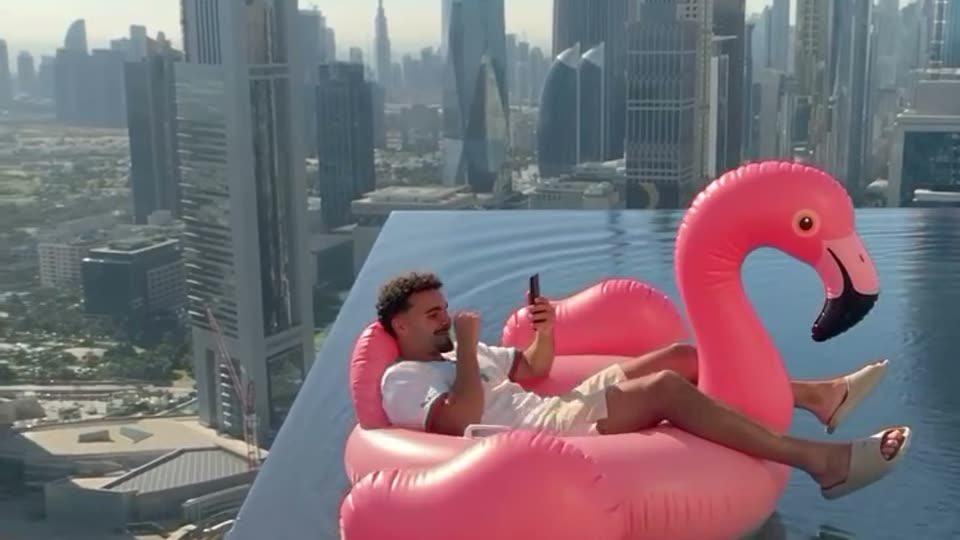
How to post the flamingo float trend on TikTok and Instagram
Post your flamingo float AI video so it joins the trend: TikTok and Instagram Reels steps, the sound, “hey bro” caption ideas, the right hashtags and the AI label.
By Flamingo Float AI · Updated · 4 min read
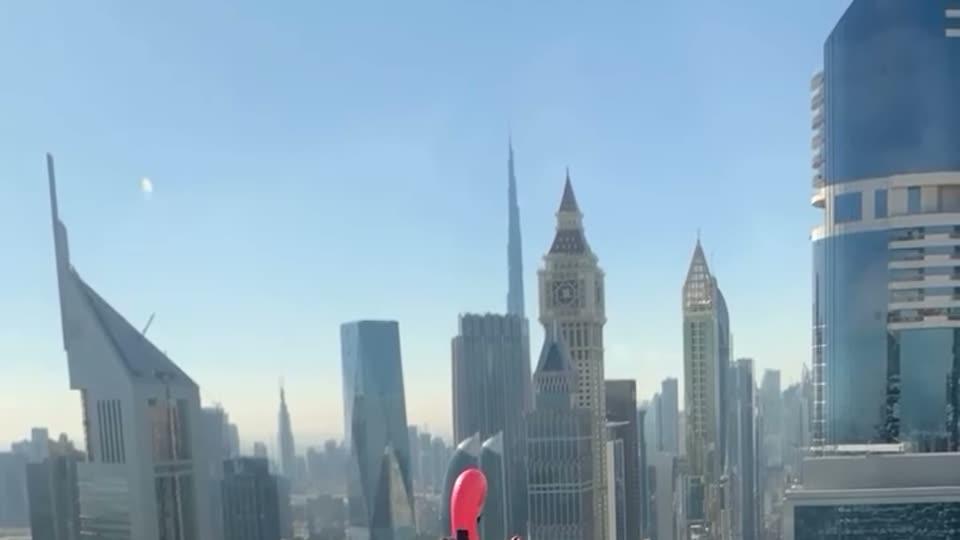
You have your flamingo float video. Here is how to post it on TikTok, Instagram Reels and YouTube Shorts so it lands in the trend: the sound, the caption, the hashtags and the AI label.
What format is the flamingo float video?
A vertical 9:16 MP4, about 11 seconds, with the reference clip’s sound. That is the native shape for TikTok, Reels and Shorts, so you can upload it without cropping.
How to post the flamingo float trend on TikTok
- Download the MP4 from “My videos” and save it to your camera roll.
- In TikTok, tap + and upload the video.
- Keep the original sound, or tap the sound button and search “flamingo float” or “hey bro” to add the trending sound instead. Using the trend sound puts you on its sound page.
- Write a caption and add hashtags (ideas below).
- Under More options, turn on the AI-generated content label.
- Post, then pin a “hey brooo” comment to get the replies going.
How to post the flamingo float trend on Instagram Reels
- Tap + and choose Reel, then pick the video.
- Keep the original audio, or add the trending flamingo float audio from the music library.
- Add your caption and hashtags, and tag the friend who would pull you back.
- In Advanced settings, turn on the AI label.
- Share it to your story too: the “hey bro” moment works as a story teaser.
Caption ideas
- “hey bro… bro… BRO 😭”
- “thank you bro 🦩”
- “POV: you open TikTok on a Dubai rooftop”
- “tag the friend who saves you every time”
- “tried the flamingo float AI trend, I would not survive 💀”
Which hashtags should you use?
| Purpose | Hashtags |
|---|---|
| The trend itself | #flamingofloat #flamingofloattrend #heybro |
| The setting | #infinitypool #rooftoppool #dubai |
| AI | #aitrend #aivideo #flamingofloatai |
| Reach | #fyp #viral (use sparingly) |
MakeViral lists #flamingofloat, #infinitypool, #heybro and #aitrend for the trend; four to six tags is plenty.
Do I have to label it as AI?
Yes, turn the label on. The video is AI-generated, TikTok and Instagram both ask creators to label realistic AI content, and a label also heads off “is this real?” worries about someone going over a rooftop edge.
YouTube Shorts and the rest
The same file works on YouTube Shorts (vertical, under 60 seconds) and on X or WhatsApp. On YouTube, tick “altered or synthetic content” when you upload.
No video yet? Make one from a photo or read how to make the flamingo float AI video.