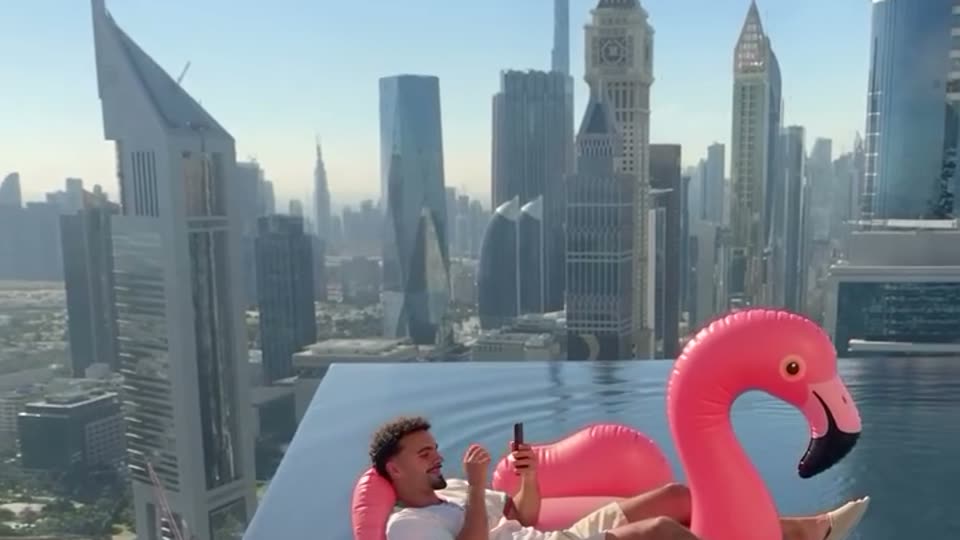
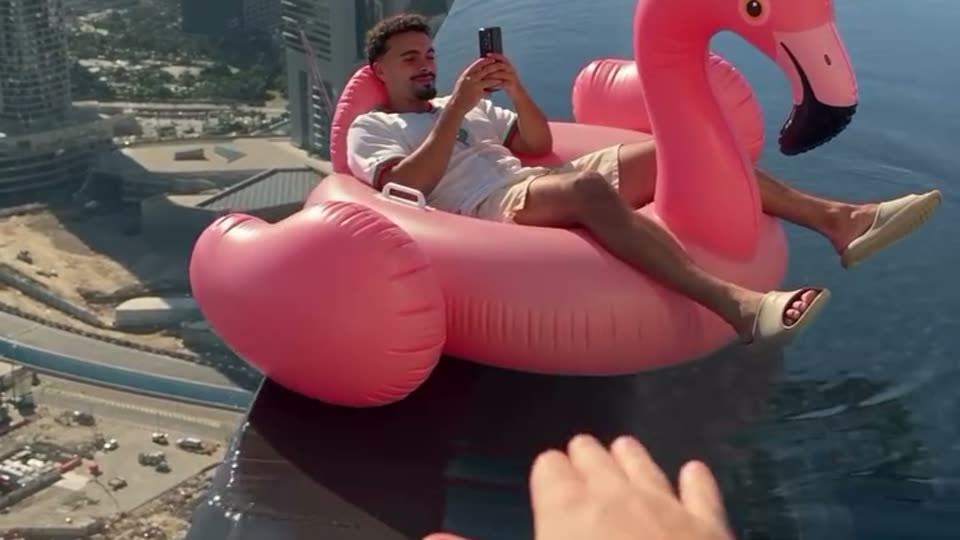
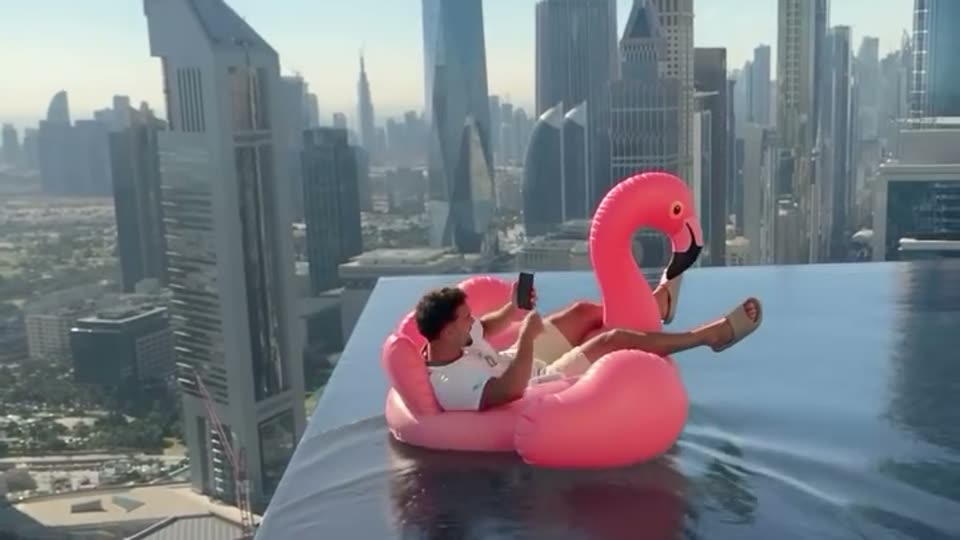
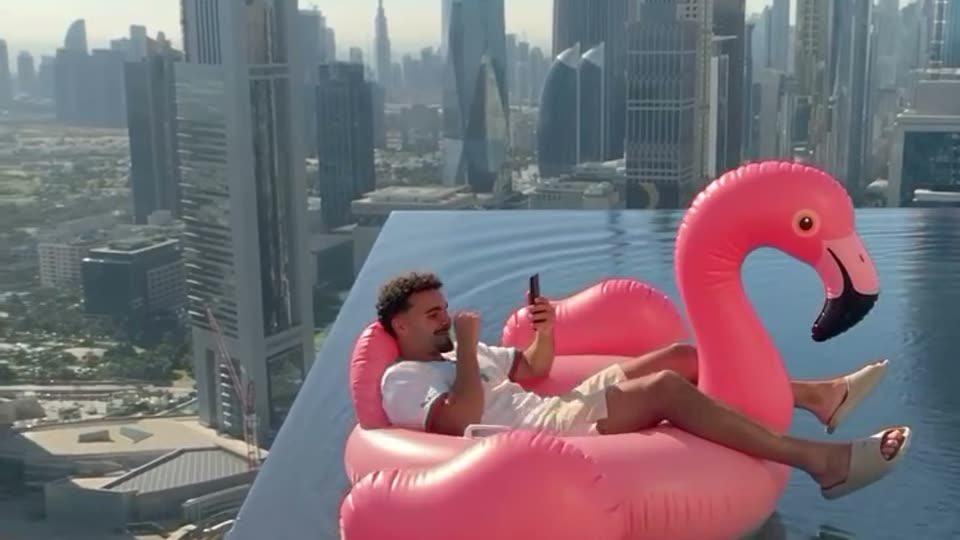
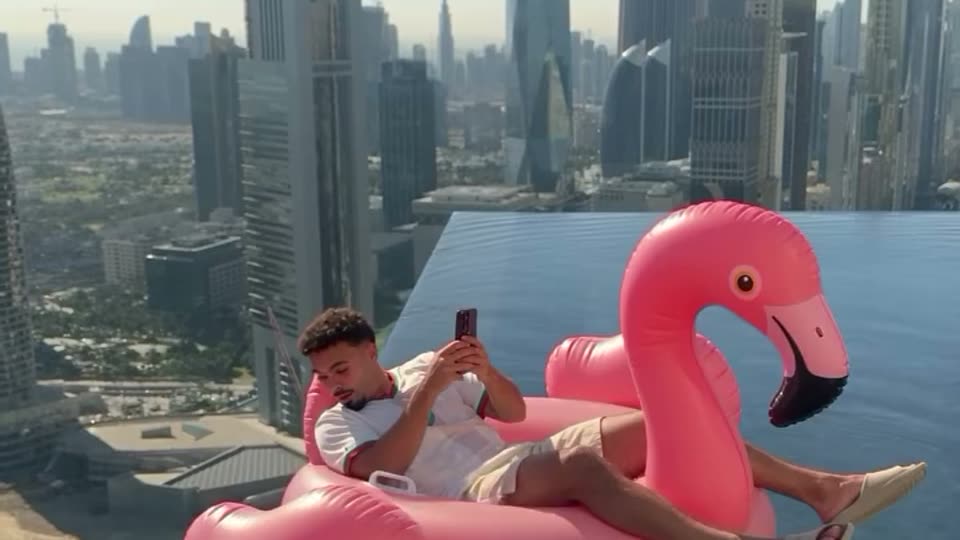
How to make the flamingo float AI video, step by step
How to make the viral flamingo float AI video with your own face or your pet: the steps, which photo to use, which quality to pick, and how to fix a face that does not match or a hand that looks wrong.
By Flamingo Float AI · Updated · 5 min read
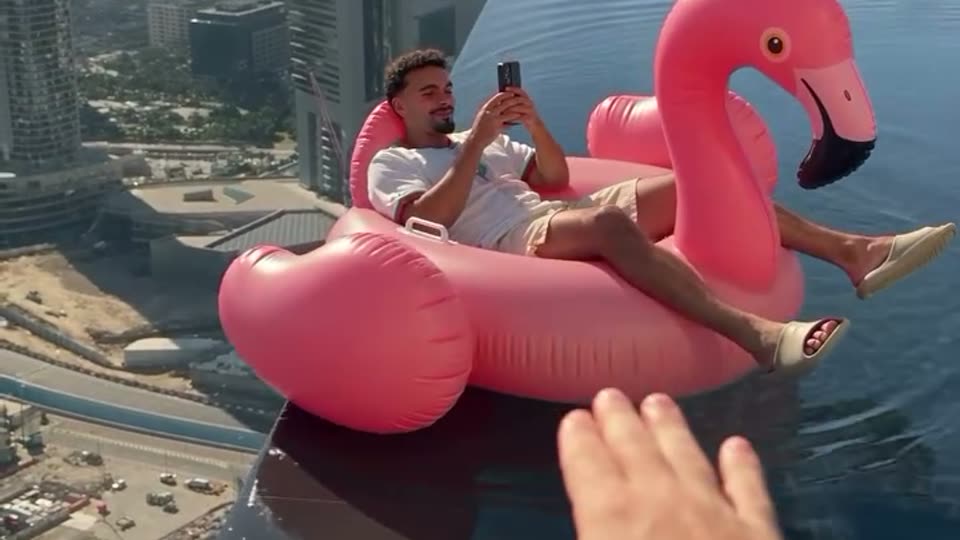
You want to be the one on the pink flamingo, drifting to the edge of a rooftop pool while someone yells “hey bro”. Here is exactly how to make the flamingo float AI video from one photo, what photo to use, and how to fix the usual problems. It takes about five minutes, most of it waiting.
What do you need?
- One photo of one person or one pet, facing the camera.
- A phone or computer with a browser. No app, no CapCut, no editing.
- A Google account to sign in, and credits (100 credits at Standard (480p) or 200 at HD (720p) or 600 at Full HD (1080p)).
How to make the flamingo float AI video, step by step
- Open the studio. Go to the Flamingo Float AI studio at the top of the home page and sign in with Google.
- Upload your photo. Tap the photo box and pick a picture of yourself, a friend who agreed, or your pet. Your browser shrinks it and removes the location data before upload.
- Pick a quality. 480p is fine for a quick laugh in the group chat; 720p is the sweet spot for TikTok and Reels; 1080p if you want the sharpest face in the wide shot.
- Tick the consent box and press Generate. The price is on the button before you start. There is no prompt to write: the drift, the hand, the tip over the edge and the glide back all come from the reference clip.
- Wait a few minutes. You can close the tab. The video appears under “My videos”.
- Download and post. Save the MP4 and post it with the AI label on. Captions and hashtags are in how to post the flamingo float trend.
Which photo works best?
| Works | Avoid | |
|---|---|---|
| Face | Front-facing, eyes visible, sharp | Side profile, sunglasses, mask, hat over the hair |
| Framing | Head and shoulders or upper body | Tiny face in a big landscape |
| People | Just one person | Group shots: the AI may pick the wrong face |
| Light | Daylight or even indoor light | Dark, backlit or heavy beauty filters |
| Pets | Whole animal in frame, eyes visible | Blurry action shots, half the pet cropped |
What if the video comes out wrong?
- The face does not look like you. Use a sharper, front-facing photo with more of your face in frame. In the far-away wide shot at the end the face is small, which is normal for this clip.
- The hand looks odd or merges with the float. Water and hands touching things are the hardest part for any video model. Generate again with the same photo; results vary from run to run.
- The video failed. Your credits come back automatically. Try a clearer photo of one adult or one pet; photos that look like a celebrity or a child are refused.
Can you do the flamingo float trend without this site?
Yes, two other ways. You can paste a prompt into a general AI video app with your photo as the start frame (see flamingo float AI prompts), or use a CapCut template (see flamingo float CapCut template vs AI). Prompts give a different pool and different timing every time; templates usually paste your face onto a stock clip. The one-photo route here recreates the actual Dubai clip.